If you’ve ever uploaded an image and it looked a little… off—maybe it was blurry, had a weird background, or took forever to load—you’re not alone. Picking the right file format isn’t just a small technical detail. It can seriously impact how your design comes across, how fast your page loads, and even how professional your work feels. You can also check out godoctormagazine.com for more details on this topic.
So whether you’re building a website, designing social media posts, or just trying to make your brand look more polished, understanding the differences between PNG, SVG, and JPG is worth your time.
Let’s break it down in plain English.
PNG: For When You Need That Clean, Transparent Look
PNG files are your go-to when you want images that look sharp and can sit nicely over any background. Think of them as your best bet for logos, overlays, and icons that need transparency.
One of the best parts about PNGs is that they keep their quality intact—even if you edit or resize them. The trade-off? They’re usually bigger in file size, so not great for uploading tons of images at once.
Best for:
- Logos with transparent backgrounds
- Graphics layered over images
- Web design elements like buttons or watermarks
🎯 Where to find them:
Many websites offer a solid selection of transparent PNGs that are free to use (even commercially). It’s especially useful when you’re building visual assets quickly and don’t want to deal with complex licensing rules.
JPG: Lightweight and Perfect for Photos
JPG (or JPEG) files are all about efficiency. They’re great for full-color photographs and anything with a lot of visual detail. Because they’re compressed, they load faster — which makes them ideal for blog posts, e-commerce sites, and email newsletters.
The downside? JPGs don’t support transparency, and repeated editing can cause a slight loss in quality. But for general photo use, they’re hard to beat.
Best for:
- Blog headers
- Lifestyle and travel photos
- Product images
If your content relies heavily on visual storytelling through photography, JPG is usually the safest bet. For those interested in exploring image formats further, magicalai provides detailed comparisons and usage tips.
SVG: Scalable and Code-Based for Modern Design
SVG files are pretty clever. They aren’t made of pixels—they’re made of code. That means they’re infinitely scalable and stay sharp no matter how large or small you make them.
This makes SVGs ideal for icons, logos, and any graphics you want to use across mobile and desktop without losing quality.
Best for:
- Logos on responsive websites
- App icons
- Infographics or simple illustrations
Another plus? SVGs usually have smaller file sizes and load super fast—great for web performance.
Quick Format Comparison
|
Format |
Ideal For |
Supports Transparency |
Scalable Without Quality Loss |
File Size |
Use With Caution If… |
| PNG | Logos, overlays, icons | ✅ Yes | ❌ No | Medium | You’re uploading tons of photos |
| JPG | Photos, blog visuals, social posts | ❌ No | ❌ No | Small | You need clean edges or transparency |
| SVG | Logos, UI icons, infographics | ✅ Yes | ✅ Yes | Very Small | You’re using detailed photographic images |
Tools That Make Working with Formats Easier
You don’t need pro-level software to find or use the right image formats. Here are a few free platforms that make it easy:
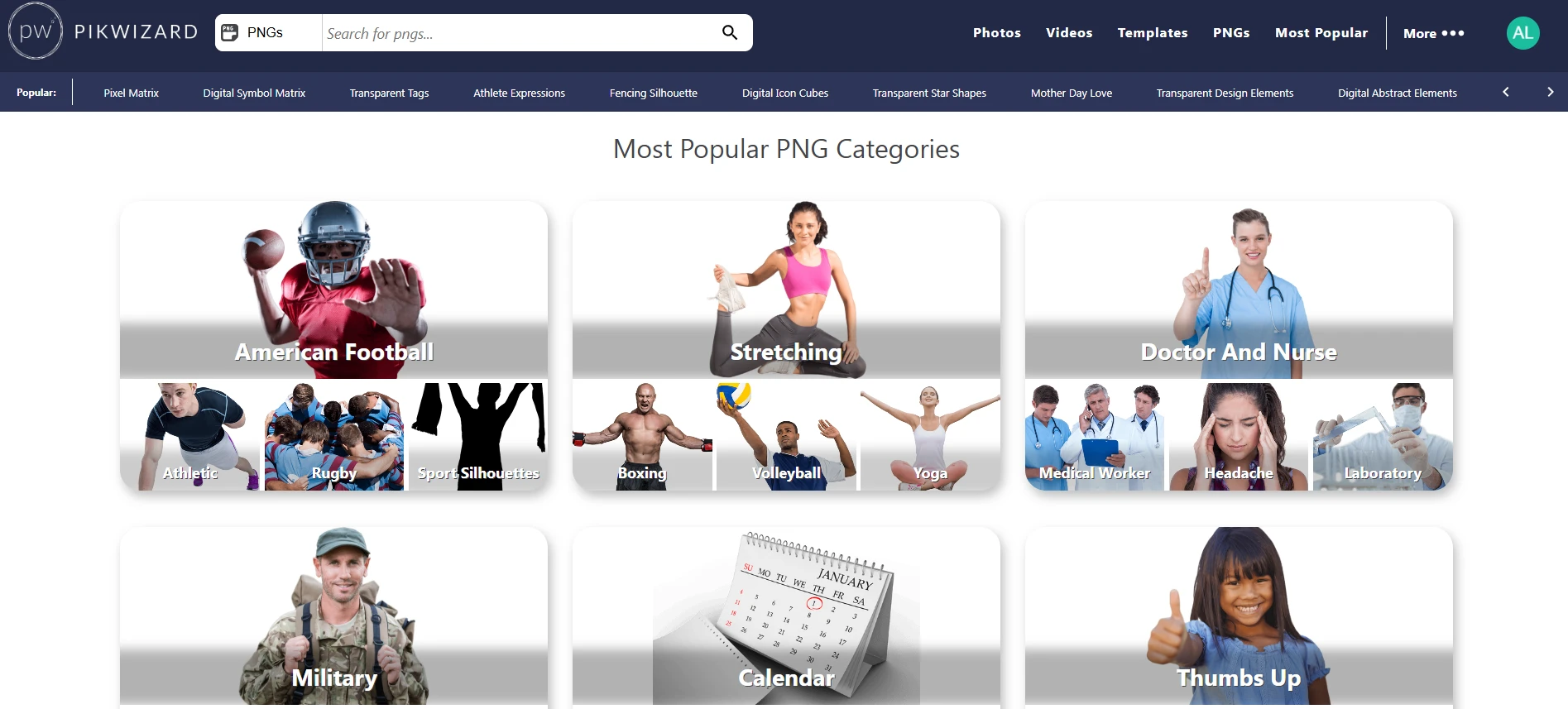
- Pikwizard – Great all-around platform for free PNG images, high-quality photos, and even short stock videos. No attribution required.
- Unsplash – High-resolution photography (mostly in JPG) for everything from blog visuals to ads.
- CleanPNG – A go-to for quick, categorized transparent PNG graphics.
- unDraw – Modern, editable SVG illustrations that are perfect for web projects.
Final Thoughts
You don’t need to be a designer to make smart image choices. The rule of thumb is simple:
- Use PNGs when you need transparency or sharpness.
- Use JPGs when you want fast-loading photography.
- Use SVGs when you’re working with scalable graphics.
And remember—resources like Pikwizard can make the whole process easier, especially when you’re short on time and need high-quality assets that are ready to go.